 BT Battery Notifier
macOS · real time
Track your Bluetooth batteries.
In real time, on your Mac.
The app lives in the menu bar and shows the battery of your headphones, your keyboard, your mouse — the number moves in real time, as the device drains. Since 2.0 it also shows what only your phone can read, without duplicating anything. It keeps the last reading of anything that goes away, and warns you when something leaves with little left, so you never get caught empty.
 One-time purchase
  Free, with optional Pro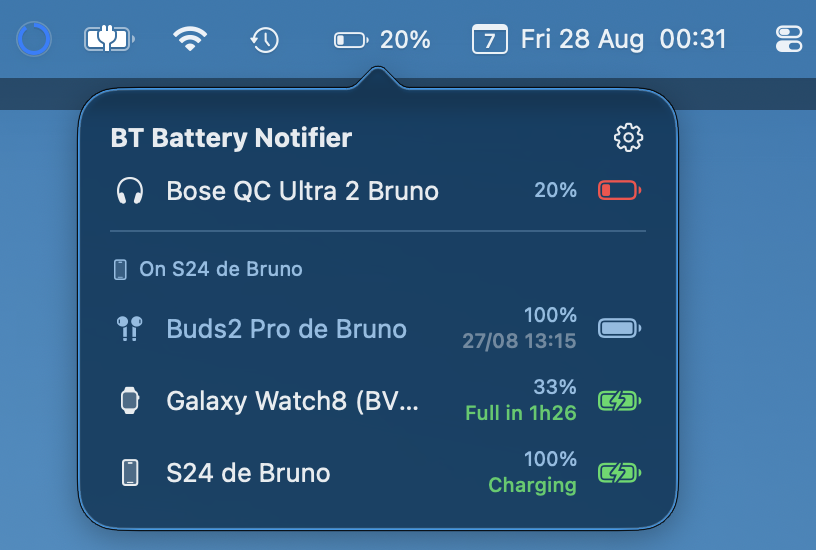
Video · 1:30
Never run out again
Leo put his headphones on and they died mid-song. See how his Mac, phone and watch now warn him first — and how each one shows the batteries of the others.
Menu bar
Your Mac's battery is no longer the only one up there
Next to the clock, the percentage of whatever is connected — headphones, keyboard, mouse — updated in real time while you work. One click opens the panel with every device, and you decide which ones earn a spot in the bar and which stay in the panel.
Or just the icon, if your bar is already crowded
The number moves on its own as the earbuds drain
Every device, each with its own number
Device by device, in the bar and in the panel
A green bolt and "full in 1h05" in place of the last-read time
It arrives archived; restore it whenever you want its battery beside the rest
Phone on the Mac · 2.0
What only the phone can see, on the Mac panel
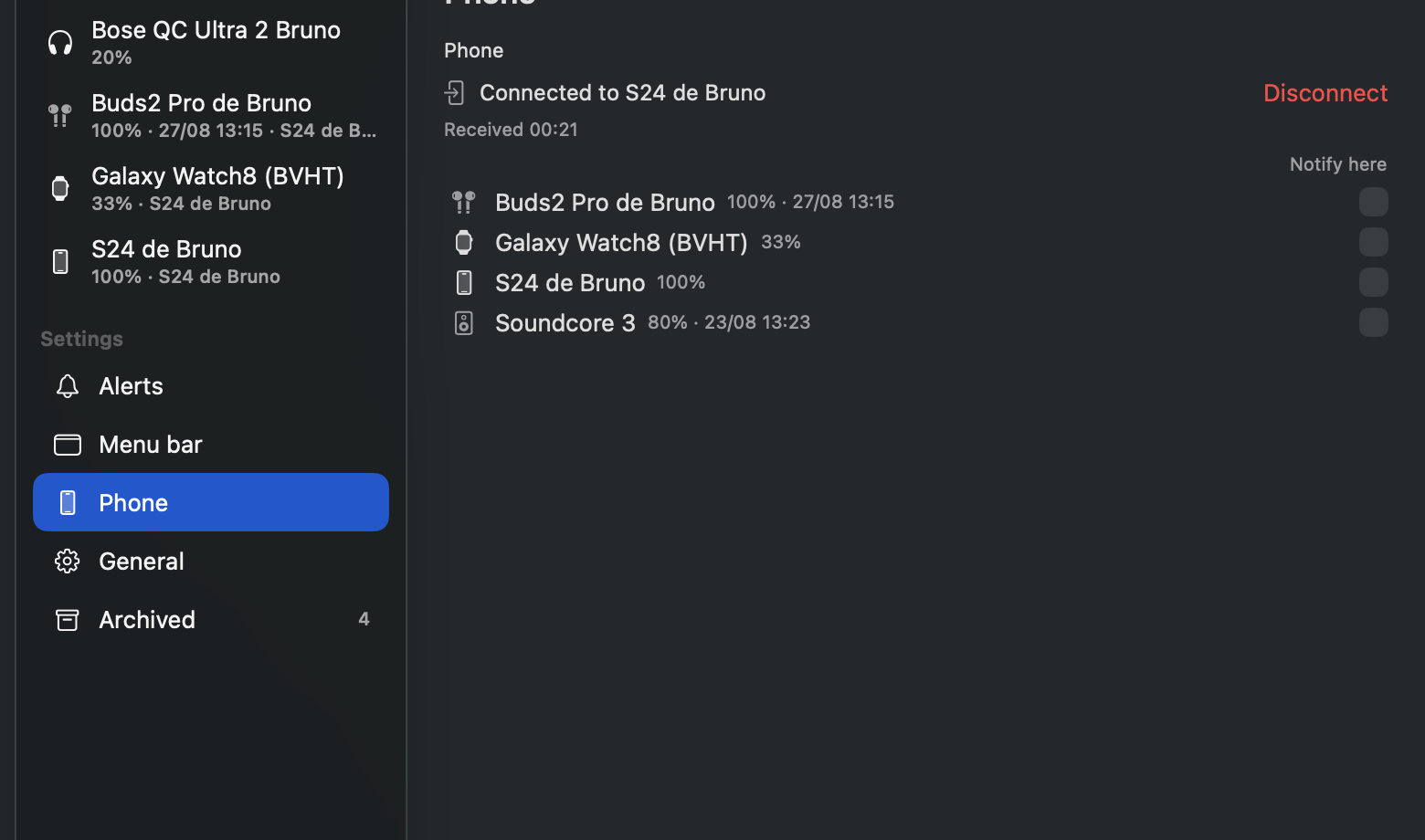
macOS cannot read the battery of a paired phone, and it will never read the one on your wrist. So the phone reads them and sends them over: in the panel, under a divider, the devices it can see show up — the phone itself and your watch included. It is optional, you link the two with a code, and what travels goes encrypted end to end.
With the phone's name in the header, so you know where the number came from
Earbuds connected to both appear once, with the reading of whichever has them now
The key is born in the pairing and exists nowhere outside your two devices
Every remote device gets its own alert on this Mac, off until you turn it on
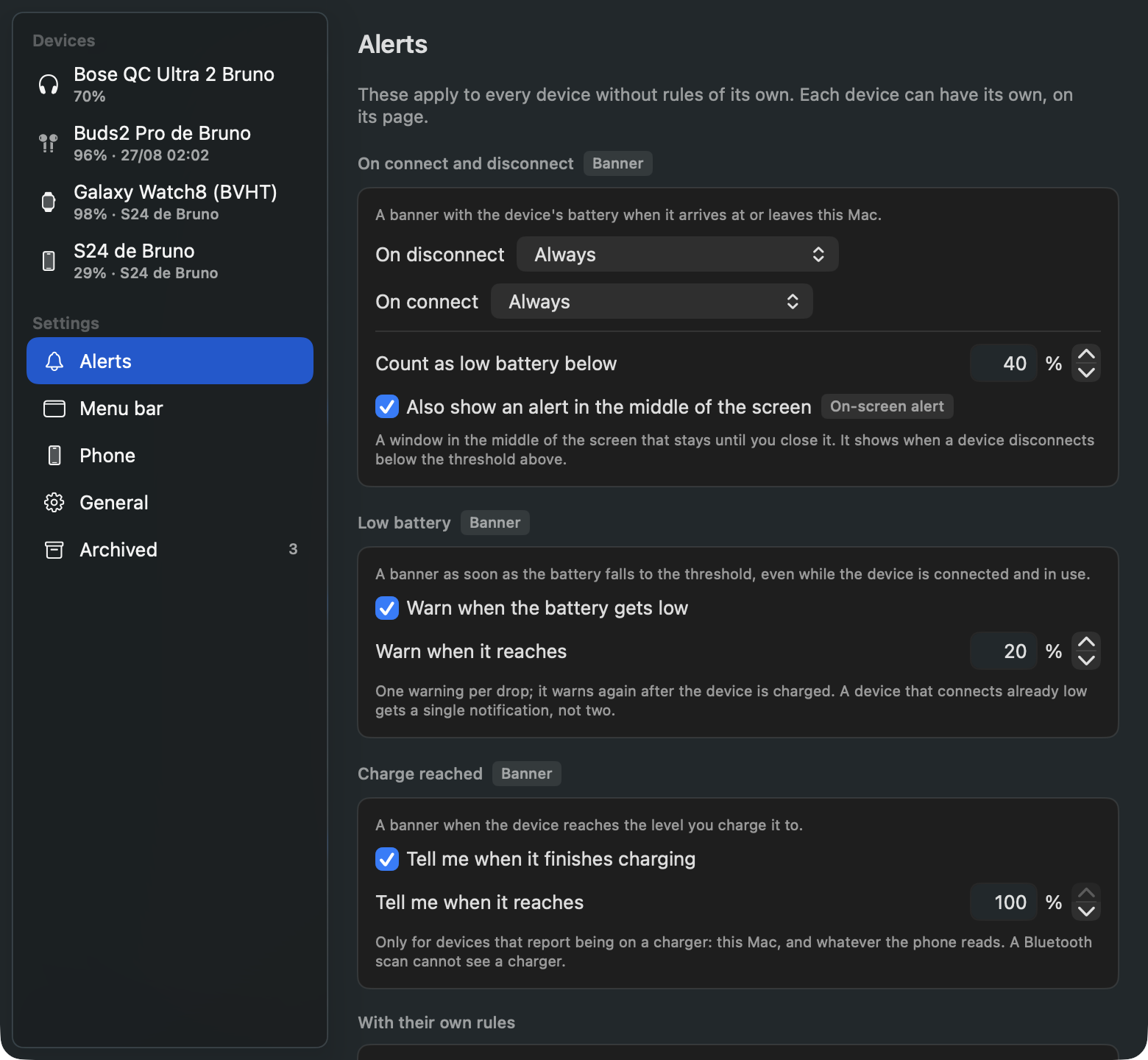
Alerts
The warning arrives while there is still time
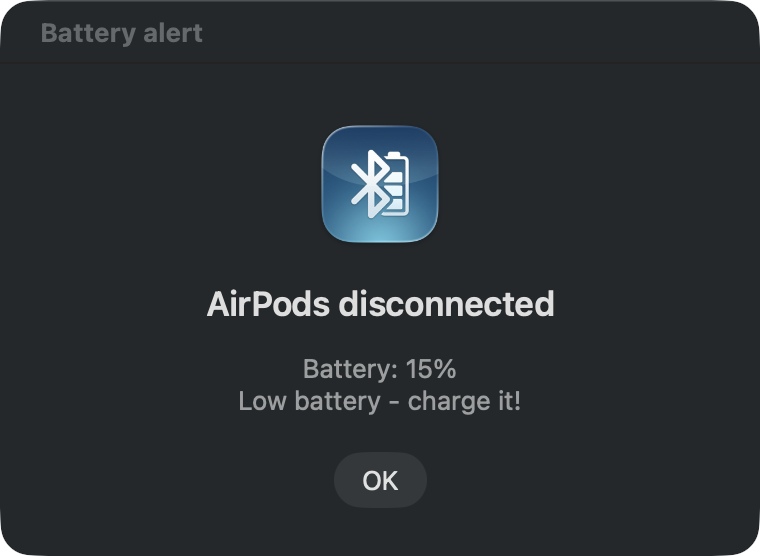
When a device disconnects, the notification carries the level — and says it needs charging if it is under your threshold. The general rules apply to everything, and any device can have rules of its own, on its own page.
The notification carries the level of every part
Or on every disconnect, if you prefer that
One pair of headphones can always speak up while the keyboard stays quiet
No window and no Dock icon — the bar is the whole app
While away
The last reading stays on screen
A device you put away does not answer: over Bluetooth it simply is not there. Instead of showing a dash, the app keeps the last number it read and the time it read it — so the earbuds that went into the drawer at 12% keep saying they are the ones that need an outlet.
Kept even after the app restarts
An old reading never passes for a live one
Headphones, keyboards, mice, speakers, cars
Left, right and case, whenever the device reports them
Other screens
The same app on your phone and on your wrist
On Android the widget puts every battery on the home screen, in real time, and the Wear OS watch joins the list with its own — and since 2.0 the Mac joins their list too. That is a page of its own, with a shot of each screen.
Home-screen widget, app and tile on the watch
The same idea on a third platform
Privacy
Nothing leaves your device — except what you send to your own Mac, encrypted end to end.
Política de privacidade (Portuguese) · Privacy policy (English)